

Reader-supported. We may earn a commission on purchases through our links. Disclosure ›
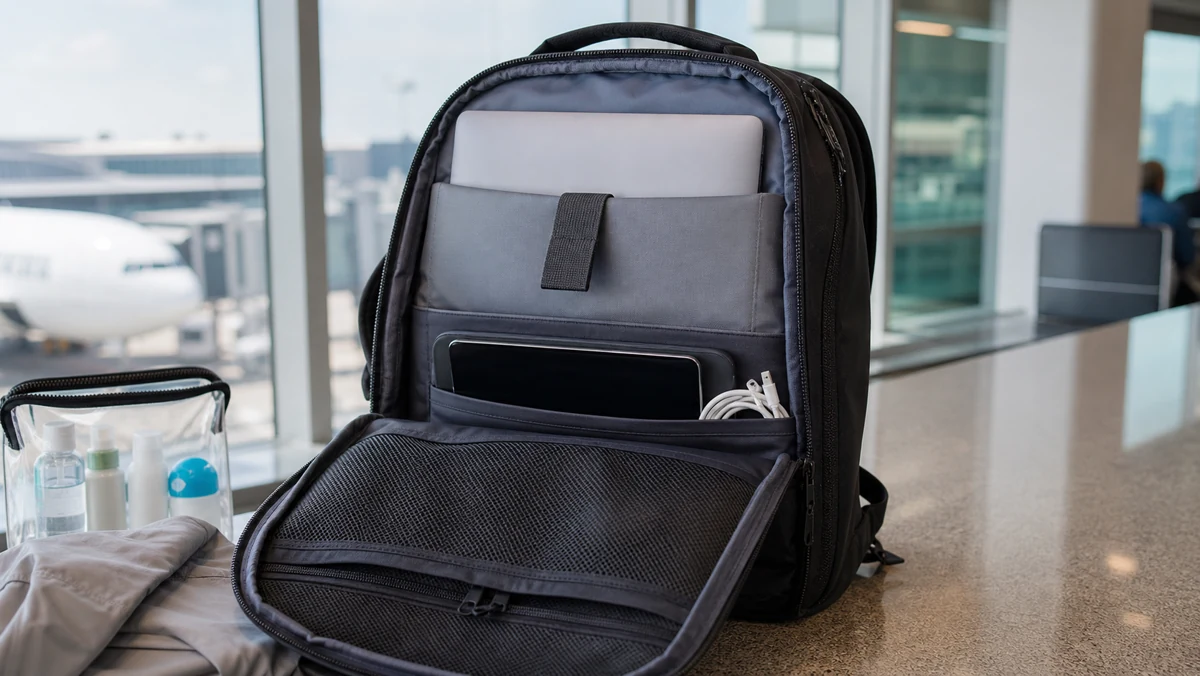
Yes, laptops are allowed on planes. TSA allows laptops in both carry-on and checked bags, and most travelers should pack them in carry-on luggage. Carry-on is safer because laptops are valuable, fragile, and powered by lithium batteries.
The basic rule is simple, but the packing choice matters. TSA may ask standard-lane travelers to remove laptops for X-ray screening, while TSA PreCheck travelers usually leave laptops in the bag. FAA guidance also says portable electronic devices with lithium batteries are safer in the cabin, and spare batteries or power banks must stay out of checked bags.
Helpful laptop travel gear
These affiliate links focus on protection and organization for laptops on planes. Check dimensions before buying.
Protection
Padded laptop sleeve
Adds protection if your backpack or tote does not have a strong built-in laptop compartment.
Match the sleeve to your laptop size.
Carry-on setup
Travel laptop backpack
Useful if you want the laptop, charger, documents, and small electronics in one personal item.
Confirm airline personal item dimensions.
Organization
Cable organizer pouch
Keeps laptop chargers, USB-C cords, and adapters together for easier screening.
Keep spare batteries and power banks in the cabin.
Laptops on Planes: Quick Rules
- Carry-on: yes, and it is the recommended place to pack a laptop.
- Checked luggage: allowed by TSA, but not ideal because of battery, damage, and theft risk.
- Security screening: remove the laptop in standard lanes unless the checkpoint says otherwise.
- TSA PreCheck: laptops usually stay in your bag.
- Spare laptop batteries and power banks: carry-on only under FAA battery rules.
- Using onboard: allowed during cruising, but stow it for taxi, takeoff, and landing when crew instructs.
Why Carry-On Is Best for Laptops
Pack your laptop in your carry-on or personal item whenever possible. It stays under your control, avoids rough checked-bag handling, and is available if the airline asks you to remove lithium battery items from a gate-checked bag.
A backpack with a padded laptop sleeve usually works better than a loose tote. If your bag may count as a personal item, check the airline size rules before relying on it. Our personal item guide explains the under-seat difference.
For laptops on planes, carry-on packing also makes airport delays easier because you can work, charge, or move the device if the airline gate-checks your larger bag.
If your main question is “are laptops allowed on planes,” carry-on is the answer most travelers should act on. It satisfies the TSA rule and protects the device better than checking it.
Can You Put a Laptop in Checked Luggage?
TSA lists laptops as allowed in checked bags, but checked luggage is a poor place for a laptop unless you have no other option. Checked bags can be dropped, delayed, searched, or exposed to pressure from heavier bags.
If a laptop must be checked, power it completely off, protect it from accidental activation, and pack it in the center of the suitcase with clothing around it. Do not pack spare lithium batteries, removable laptop batteries, or power banks in checked luggage. FAA guidance says those belong in the cabin.
How TSA Screens Laptops
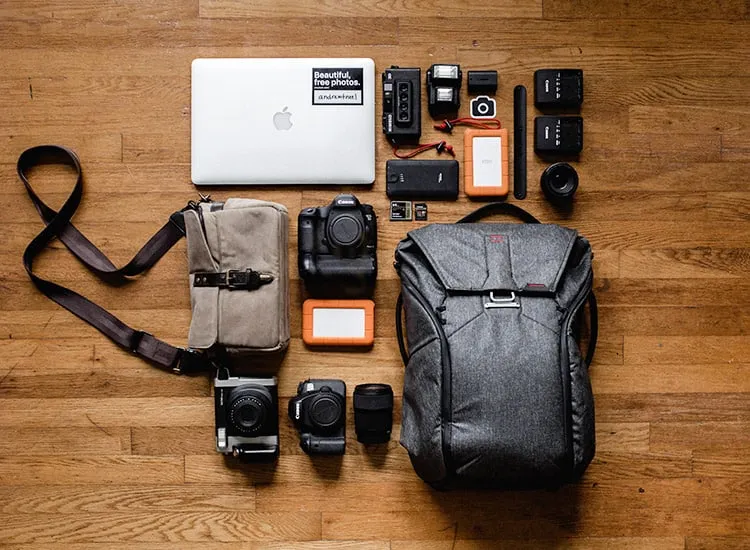
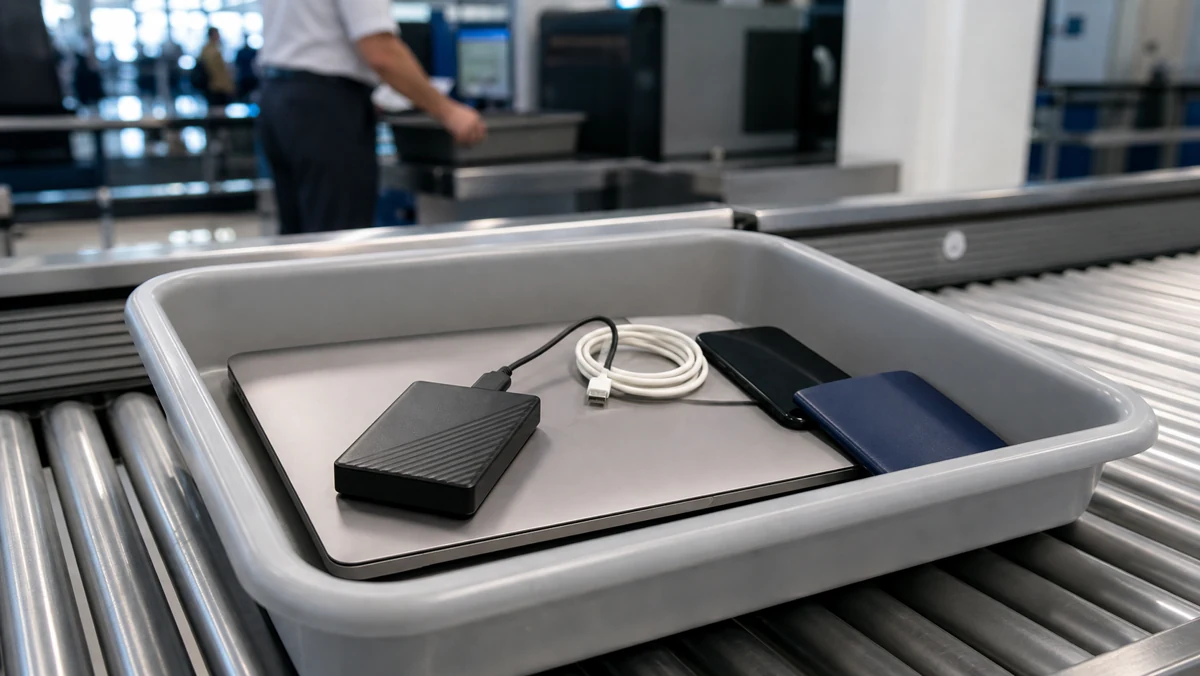
TSA’s official laptops page lists laptops as allowed in carry-on and checked bags and says standard-lane travelers should remove laptops for X-ray screening. In a standard TSA lane, remove your laptop from your bag and place it in a separate bin unless the officer or checkpoint signage says otherwise. Do not place other items on top of it.
In TSA PreCheck lanes, travelers generally do not need to remove laptops, shoes, belts, light jackets, or 3-1-1 liquids. Screening technology can vary by airport, so follow the instructions at that checkpoint.
If you also carry hard drives, chargers, power strips, or cables, keep them organized. Our guide to external hard drives at airport security covers storage drives, and our cables-on-planes guide covers chargers and cords.
Can You Bring Two or More Laptops?
For personal travel within the United States, TSA does not set a simple one-laptop limit. Travelers often fly with a work laptop and a personal laptop. The practical limits are airline baggage size, battery safety, customs rules on international trips, and whether the number of devices looks commercial rather than personal.
If you are carrying several laptops for work, keep receipts, employer documentation, or an equipment list handy for international travel. Customs rules are separate from TSA screening.
Can You Use a Laptop on the Plane?
Usually yes after takeoff, once the crew says larger electronics can be used. Put the laptop away for taxi, takeoff, landing, turbulence, and any time the crew instructs passengers to stow larger devices.
Use airplane mode, avoid blocking the aisle with cords, and be careful with drinks on tray tables. If your laptop is large, a window seat or extra-legroom row can make it easier to use without bothering the person in front of you.
The main comfort issue with laptops on planes is space, not permission. Smaller laptops are easier to use in economy seats, while large workstations may only be practical on tray tables with extra room.
9 Essential Laptop Packing Tips
- Use a padded sleeve or backpack compartment.
- Keep the charger in the same electronics pouch.
- Carry power banks in the cabin, not checked luggage.
- Back up important files before leaving.
- Use a passcode and full-disk encryption for work files.
- Remove the laptop quickly in standard TSA lanes.
- Keep liquids away from the laptop pocket.
- Do not gate-check a laptop unless you remove it first.
- Check international plug and voltage needs before departure.
If you searched “are laptops allowed on planes” because you are packing a work computer, the answer is still yes. The better follow-up question is whether your company allows that laptop or its files to cross the border you are visiting.
So, are laptops allowed on planes for ordinary vacation, school, or business travel? Yes. Just keep batteries and power banks in the cabin and follow the checkpoint instructions.
For most travelers, the simplest laptops on planes rule is this: carry the laptop with you, remove it when TSA asks, and keep spare battery accessories out of checked luggage.
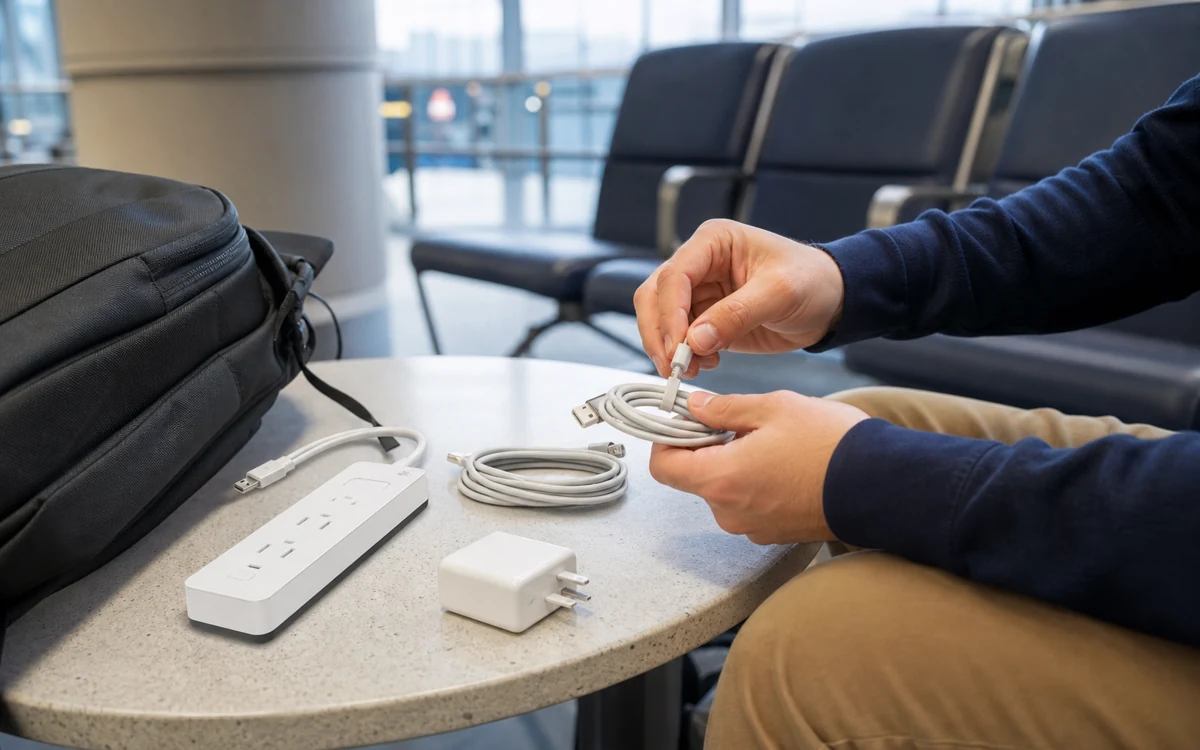

The practical answer for most travelers
Bring your laptop in your carry-on or personal item whenever you can. It is allowed through TSA, it is easier to protect, and it keeps the battery in the cabin where flight crews can respond if something overheats.
The main things that trip people up are screening setup, spare batteries, and gate-checking. If your carry-on gets taken at the gate, remove the laptop, power bank, and any spare lithium batteries before the bag goes below the plane.
FAQs
Can I bring a laptop in my carry-on?
Yes. Laptops are allowed in carry-on luggage, and that is the best place for them. It protects the device from baggage handling and keeps lithium batteries in the cabin.
Can I put a laptop in checked luggage?
Usually yes, but it is not recommended. If a laptop with a lithium battery goes in checked baggage, it should be completely powered off and protected from damage. Do not leave it in sleep mode.
Do I need to remove my laptop at TSA?
At standard TSA checkpoints, laptops usually need to come out of the bag and go in a separate bin. TSA PreCheck travelers are often allowed to leave laptops in the bag, but officers can still ask for extra screening.
Can I bring two laptops on a plane?
Yes, two laptops are generally allowed for personal or work travel. Pack them neatly so screening officers can see what they are, and be ready for extra inspection if you carry several electronics.
Can I use my laptop during the flight?
Usually yes after takeoff and before landing, as long as the airline allows larger electronics at that stage of the flight. Keep it in airplane mode if using wireless features is restricted.
Are laptop chargers allowed in carry-on and checked bags?
Yes. Laptop chargers and cables are allowed in both carry-on and checked luggage. Carry-on is more convenient because you may need the charger during delays or layovers.
Are spare laptop batteries and power banks allowed?
Spare lithium batteries and power banks must stay in carry-on baggage and are not allowed in checked bags. Keep terminals protected so they cannot short-circuit against keys, coins, or other metal items.
What should I do if my carry-on is gate-checked?
Remove the laptop, power bank, spare batteries, passport, wallet, medicine, and anything fragile before handing over the bag. Put those items in your personal item or carry them onto the plane.